Crawlability and the “Googlebot Doesn’t Interact” Rule: How JavaScript Hides Your Content
A practical crawlability guide to the JavaScript interaction traps that hide critical content from Google, ChatGPT, Claude, and Perplexity.
The answer came down to a single sentence I ended up repeating to their dev team: crawlers render, but they never interact. That one principle explains a whole category of expensive, invisible failures — and the good news is they’re almost always fixable once you know what you’re looking for. Let me unpack it, because it’s probably costing someone reading this a lot of citations they don’t know they’re missing.
The rule that explains it: crawlers render, but never interact
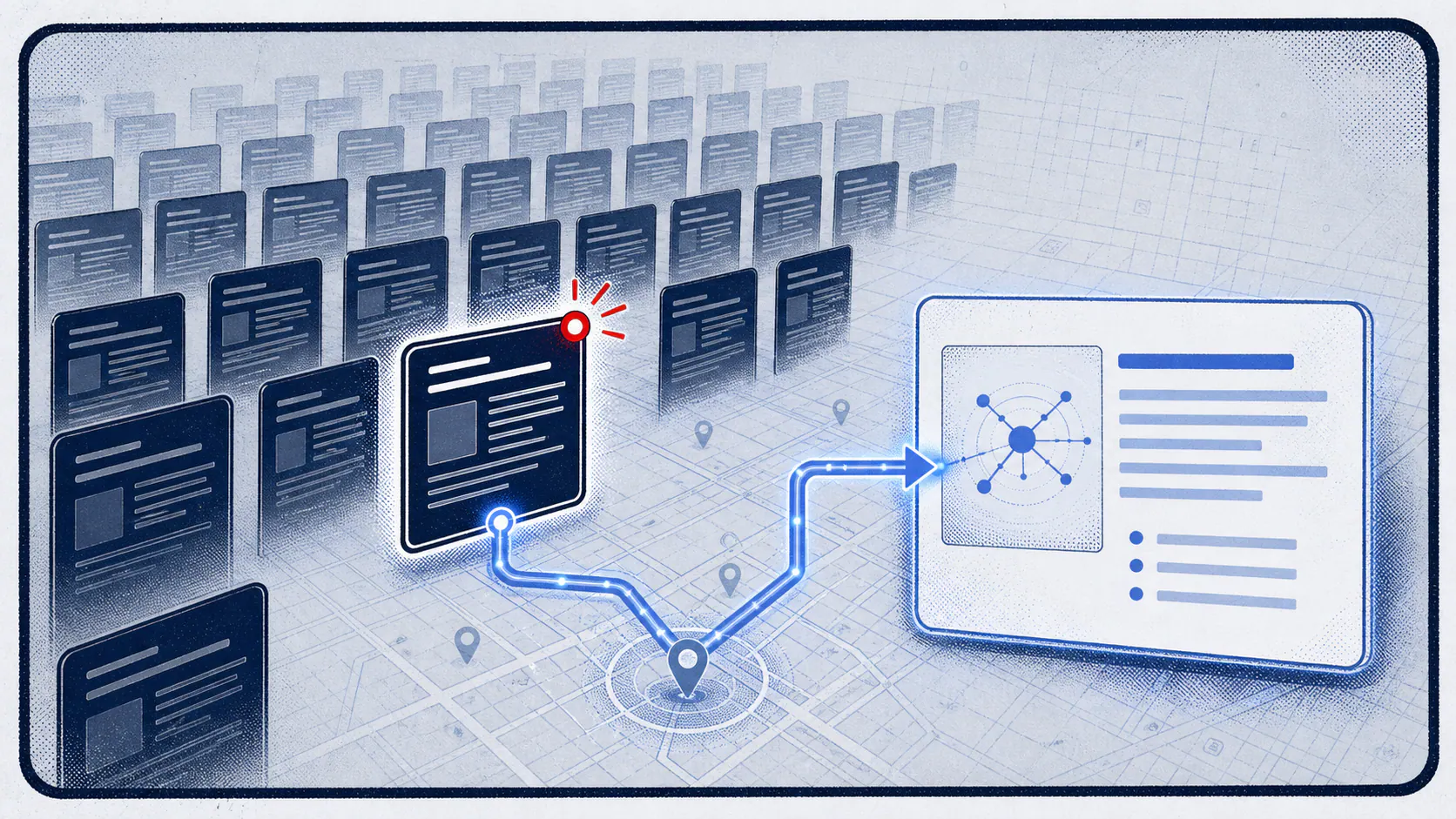
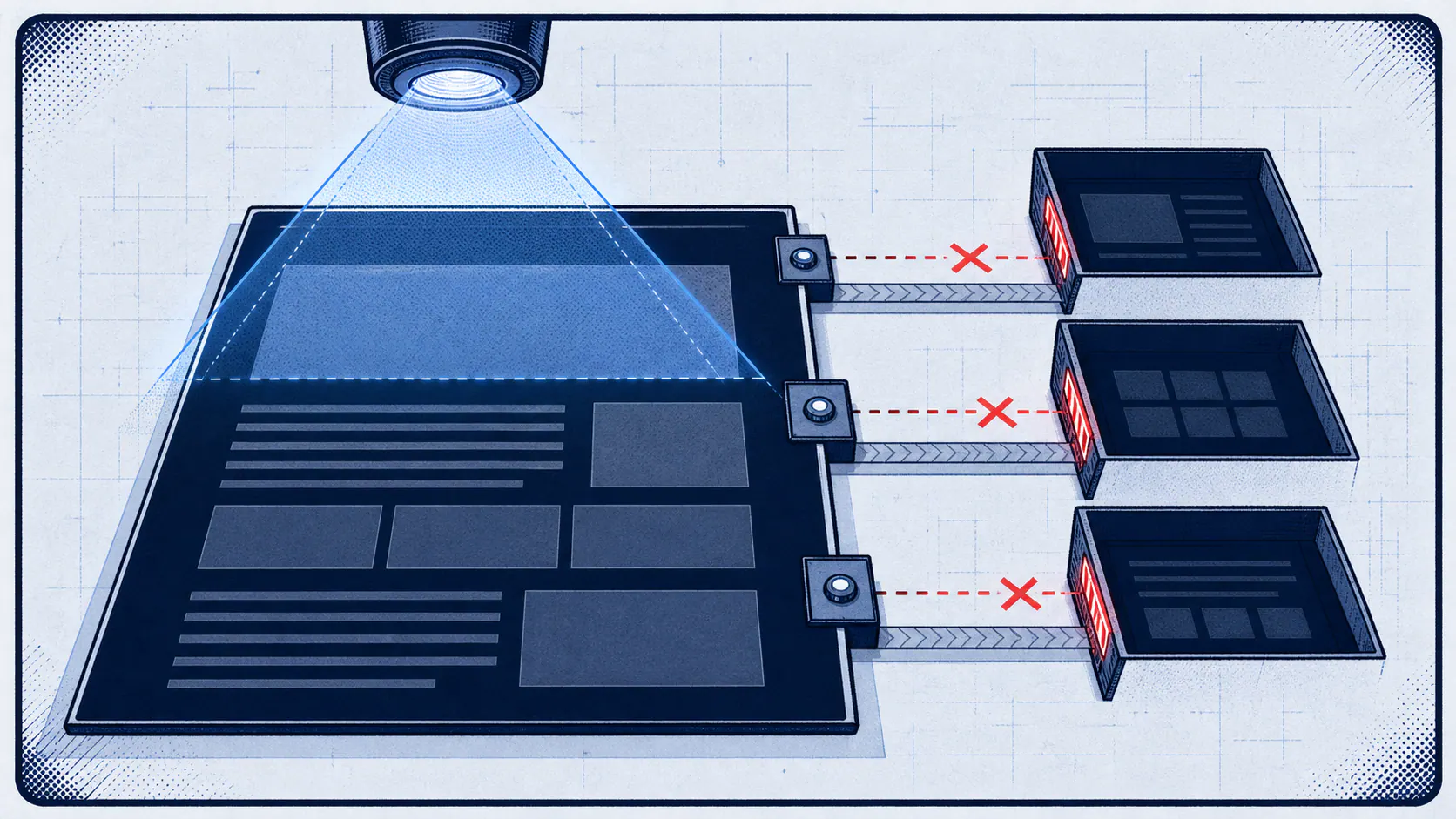
A crawler visits your page like a reader who never touches anything. Googlebot will fetch your page and even run its JavaScript, but it behaves like a visitor who never clicks a tab, taps “load more,” submits a form, or scrolls to trigger the next batch of content. If a human has to do something to make your content appear, the crawler simply never sees it.
That’s the whole rule, and it’s deceptively powerful. Most crawlability problems I diagnose trace straight back to it: valuable content that exists, that humans can reach with a click, but that lives on the far side of an interaction the bot will never perform. The rendering happens; the interaction doesn’t.
Why CSS-hidden content survives but AJAX content vanishes
This is where the distinction gets precise, and where a lot of well-meaning builds go wrong. There are two ways to “hide” content until someone wants it, and they could not be more different in the eyes of a crawler.
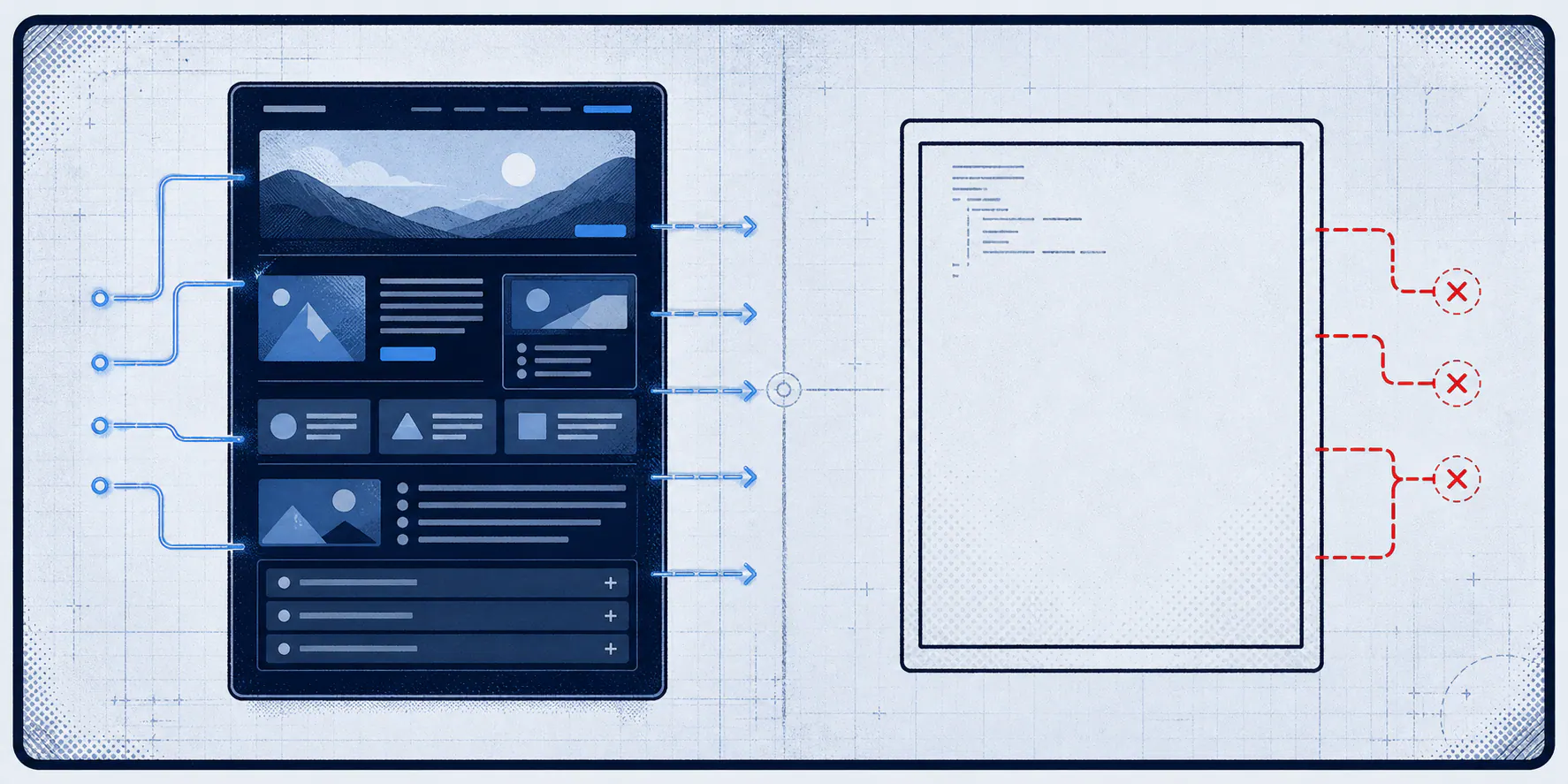
If the content is already in your HTML and merely hidden with CSS — the way a good FAQ accordion or a tabbed spec sheet works — the crawler reads it fine. It doesn’t need to click to reveal it, because the text is right there in the markup; CSS only controls whether a human sees it yet. But if the content is fetched by JavaScript when someone clicks or scrolls, it isn’t in the markup until that interaction happens — and since the crawler never interacts, it stays empty. Same feature to a human; night and day to a bot:
<!-- Invisible to crawlers: specs are fetched by JavaScript
     only after a click. Bots do not click, so #specs stays empty. -->
<div id="specs"></div>
<button onclick="fetchSpecs()">Load specifications</button>

<!-- Crawlable: the specs live in the raw HTML. CSS can hide them
     until a click, but the content is already in the markup the bot reads. -->
<section class="specs is-collapsed">
  <h3>Specifications</h3>
  <dl>
    <dt>Flow rate</dt><dd>120 GPM</dd>
    <dt>Max pressure</dt><dd>150 PSI</dd>
  </dl>
</section>
Same feature, two builds. The top one is a blank space to Google and every AI crawler; the bottom one is fully readable — the content is in the HTML, and CSS just controls whether a human sees it yet.
This is exactly why we build filterable content — glossaries, FAQs, spec tables — as server-rendered HTML with CSS toggles, and never as content fetched on interaction. It’s the difference between “hidden from the user for now” and “hidden from the machine forever.”
“If a human has to click to see your content, a crawler never will. CSS hides it politely; JavaScript-on-click hides it permanently.”
The 2026 twist: most AI crawlers don’t even render JavaScript
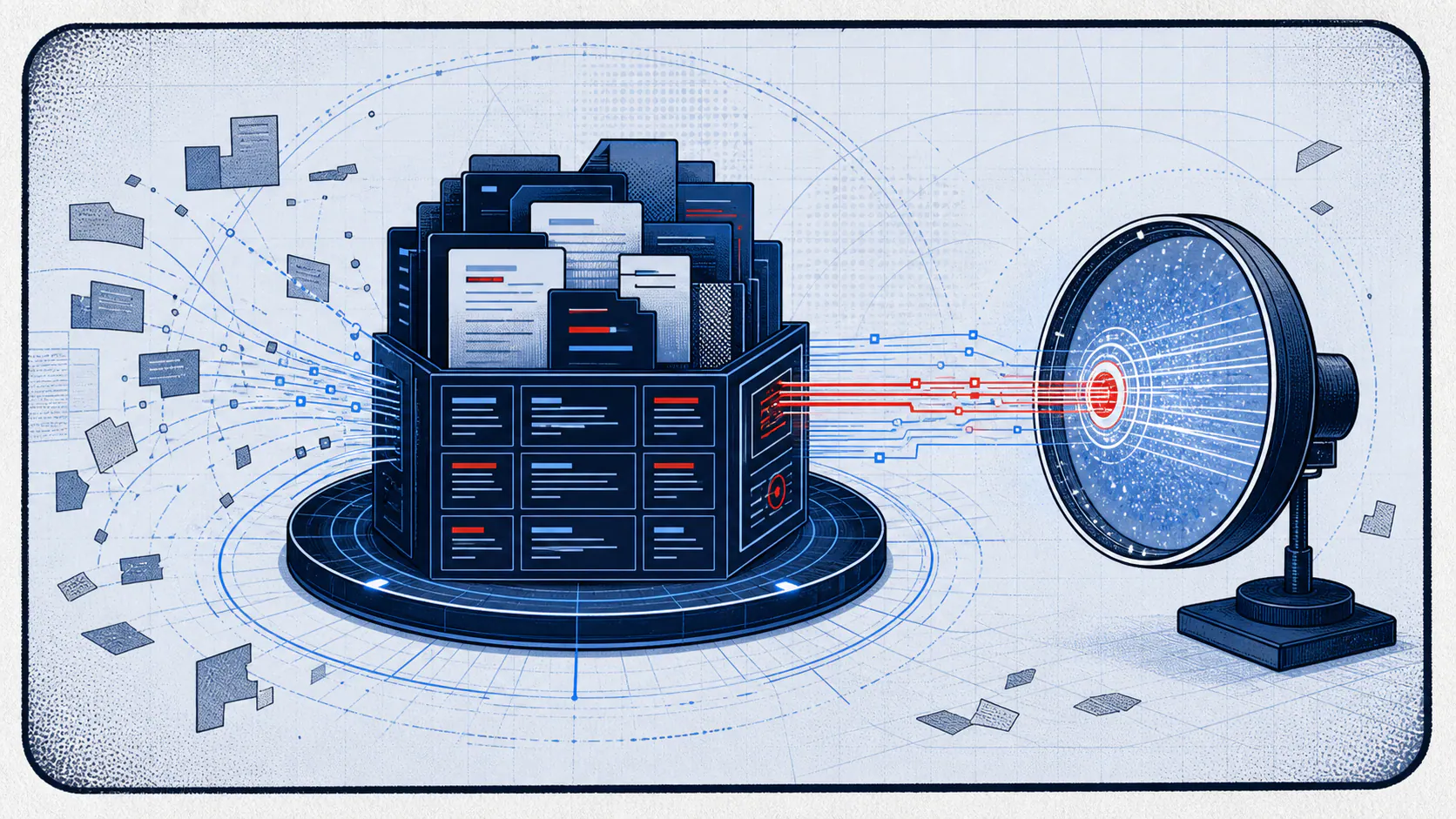
Here’s where it gets worse than the classic rule suggests. Googlebot at least runs your JavaScript before deciding what it can see. Most AI crawlers don’t run it at all. A Vercel and MERJ analysis of over 500 million GPTBot fetches found zero evidence of JavaScript execution — and the same holds for ClaudeBot, PerplexityBot, and the other major AI crawlers. They fetch your raw HTML, extract the text that’s already there, and move on. No rendering, no waiting, no second attempt.
There’s cold logic to it: these crawlers work under tight one-to-five-second timeouts, and rendering JavaScript at their scale would be enormously expensive. So they skip it by design. The one meaningful exception is Gemini’s crawler, which inherits Google’s rendering infrastructure. That means a page built as a client-side React, Vue, or Angular app with no server-side rendering can look perfect in a browser, render fine for Googlebot — and arrive at ChatGPT, Claude, and Perplexity as an empty <div id="root"></div>. Given those three account for the large majority of AI assistant usage, that’s most of the AI channel seeing nothing.
Ranking #1 and invisible at the same time
Put those two facts together and you get the trap that snared my client. Google renders their JavaScript, so the page ranks and pulls traffic. The AI crawlers don’t, so the same page is blank to them. One URL, two readers, two completely different outcomes — and the page can hold position one while being entirely absent from the AI answers your buyers increasingly rely on.
What makes this so easy to miss is that every metric you normally watch says everything’s fine. The rankings are there. The organic traffic is there. Nothing in your standard reporting even hints that a huge and growing slice of your audience is looking at a blank space where your content should be. Your most citation-valuable pages — product pages, comparison pages, FAQs — are also the ones most likely to load content dynamically, which means they’re the most exposed.
The two-minute test you can run today
You don’t need a developer to find out if this is happening to you. Open one of your important pages, right-click, and choose “View Page Source” — that’s the raw HTML before any JavaScript runs, which is roughly what an AI crawler sees. If your headings, body copy, pricing, specs, and FAQ answers are all there in the source, you’re in good shape. If you see mostly an empty container and a stack of script tags, that’s your content going invisible.
Do that on your top few pages and, if the content’s missing, take a screenshot straight to your dev team. It’s the fastest, most concrete way to turn an abstract “AI visibility” conversation into a specific, fixable engineering task.
Our AI Visibility Report shows exactly which pages are indexed and your site’s exact authority metrics.
The fix, and why an audit catches it
The fix is well-established and it’s a one-time architectural decision with lasting returns: render your critical content on the server. Frameworks like Next.js, Nuxt, and Angular Universal deliver the full content in the initial HTML while keeping all the interactivity humans expect. Where a full migration isn’t feasible, pre-rendering gets you most of the way. Alongside that, favor paginated links over infinite scroll, keep your structured data in the raw HTML, and build any show/hide interface with in-DOM content and CSS toggles rather than on-click fetches.
This is precisely the kind of failure an AI Readiness Audit is built to catch, because it looks at your pages the way the bots do — reading the raw HTML rather than the pretty rendered version you see in a browser — and flags exactly where your content depends on JavaScript or an interaction to appear. It turns “we might have a problem” into a specific list of pages and fixes. Getting this right is foundational Technical SEO: unglamorous, high-leverage, and the prerequisite for everything you’re trying to do in AI search.
Frequently asked questions
If my page ranks #1 on Google, isn't it fine?
Not necessarily. Google renders JavaScript, but most AI crawlers don't, so the same page can be fully visible to Google and a blank shell to ChatGPT, Claude, and Perplexity. Ranking and AI visibility are now two separate checks, and passing one doesn't guarantee the other.
Do I need to get rid of JavaScript entirely?
No. You need your critical content to be present in the server-rendered HTML. Keep all the interactivity you want for human visitors — just don't make the content itself depend on JavaScript or a click to appear in the first place.
Is an FAQ accordion bad for crawlability?
Not at all, as long as the answers live in the HTML and are only hidden and revealed with CSS. The problem is fetching those answers via JavaScript when someone clicks. In-DOM content with a CSS toggle is safe; on-click fetching is not.
How do I know which of my pages have this problem?
View the page source or disable JavaScript on your key pages — if the content is missing there, it's missing for AI crawlers too. An audit does this systematically across your whole site so you're not checking pages one at a time.
Andrew Ruditser writes about technical SEO, AI crawl readiness, structured data, web architecture, and digital strategy for MAXPlaces Marketing.